
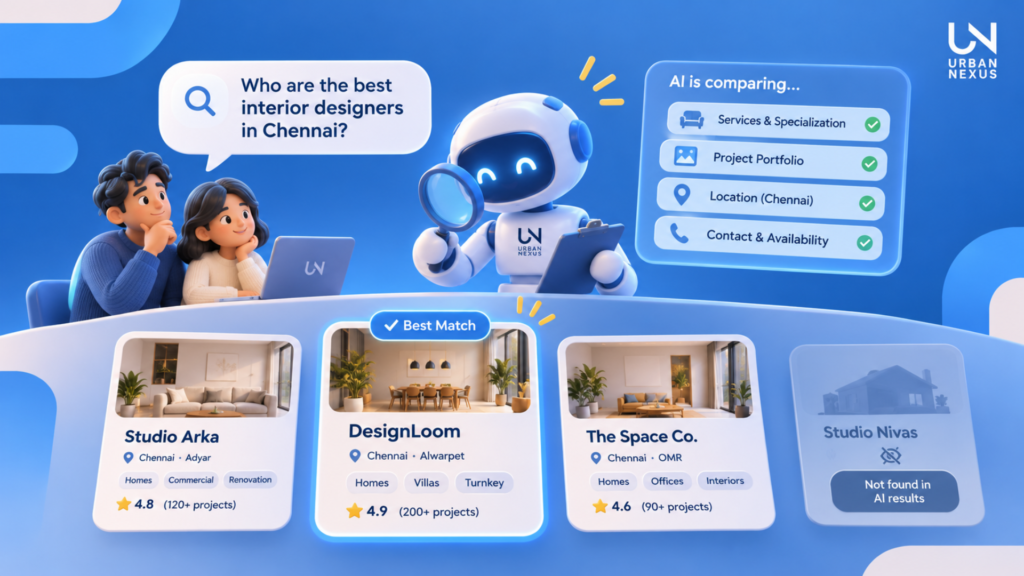
Picture an interior designer who has run her studio in Chennai for fifteen years. Most of her clients come through referrals, and everyone in her circle knows her name. One evening, a couple planning a home renovation opens ChatGPT and types, “Who are the best interior designers in Chennai?”
Three studios come up. Hers is not one of them.
Her work is good and her reputation is real, but it lives in referrals and word of mouth, and AI tools cannot see any of that. An AI search visibility audit shows you what they can see when they look at your website, and what is missing.
This guide takes you through that audit in five steps, from the basics of SEO to what people now call agentic SEO. Most of it needs only free tools and a spreadsheet.

Table of Contents
Why a strong reputation does not show up in AI answers
Many buyers now start with an AI tool. They ask for options, read the summary, and only then visit a website or make a call.
Tools like ChatGPT, Gemini and Perplexity base their answers on what they can find and understand online. If your website is short on detail, hard to read or closed to them, they mention someone else.
The good news is that most fixes are simple website basics, done properly.
How to audit your website for AI search visibility
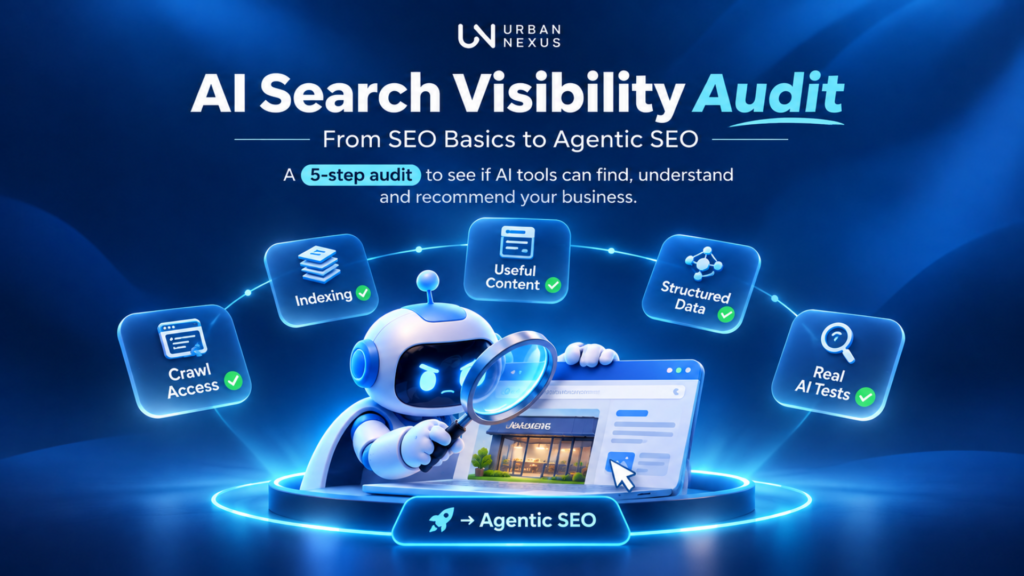
To audit your website for AI search visibility, work through five checks in order: confirm search engines and AI crawlers can access your site, confirm your pages are indexed, check that content is strong enough to rank, check that AI can read and quote it, then test real questions in ChatGPT, Gemini and Perplexity.
Before you start, open a spreadsheet with one tab per step. Note what you find, the page affected and the fix.
Step 1: Check that search engines and AI tools can reach your site
Open yourdomain.com/robots.txt in your browser. This small file tells crawlers which parts of your site they may visit. Look for rules that block whole folders, or a leftover “Disallow: /” from when the site was being built. Google’s Search Central documentation explains how the file works.
Then look for rules naming GPTBot, ClaudeBot or PerplexityBot. If they are blocked, those tools cannot read your pages. One detail: some companies run separate crawlers for model training and for live search. Blocking GPTBot, for example, stops OpenAI from training on your pages, but ChatGPT’s search and browsing use OAI-SearchBot and ChatGPT-User, so check those too.
Some businesses block these crawlers on purpose to keep login-only content private, and that is a fair choice. Just make sure it is a choice you made, not a leftover setting. If your hosting or analytics shows bot visits, check whether these crawlers are actually coming.
Next, confirm that your XML sitemap, the page list search engines use, loads and that your site opens on HTTPS. Check that key pages show their text without needing JavaScript to load it.
Step 2: Check that your pages are listed
A page can be open to crawlers and still be missing from Google’s index. In Google Search Console, open the Pages report. It lists the pages Google has added and explains why it skipped the others.
Start with your service and product pages. If an important page says “Crawled – currently not indexed” or is flagged as a duplicate, it is best to fix that first.
Then type site:yourdomain.com into Google. If you see far more results than you have real pages, old test pages or duplicate URLs may be cluttering your listing.
Step 3: Check that your pages answer what buyers ask
Read your key pages the way a homeowner would. Do they state your services, the areas you cover, typical project sizes and how to book a consultation? Or do they say “creating dream homes” and link to a PDF portfolio?
Search for your main service and open the top three results next to your page. Which one would you call?
Then check the basics. Each page needs one clear heading, a unique title and a short description, and it should load quickly. PageSpeed Insights shows how your top pages score on Google’s Core Web Vitals.
Step 4: Check that AI can quote you
AI tools prefer specific facts they can repeat. “Creating dream homes with passion” gives them nothing to say. “Designed more than 300 homes in Chennai since 2010, from 2BHK flats to villas” gives them a sentence. (Use your own numbers.)
Next, look at structured data. This is a small piece of code that labels your information for machines: company name, logo, address, services and links to your LinkedIn page. Schema.org defines the format AI tools and search engines read. To see what your homepage already has, enter its address in the Schema Markup Validator or Google’s Rich Results Test.
Finally, check consistency. Search for your company name and compare how you are described on your website, Google Business Profile, LinkedIn and trade directories. If one says “interior design studio”, another says “home décor shop” and your name is spelled three ways, AI tools get a muddled picture.
Step 5: Ask the AI tools directly
Open ChatGPT, Gemini and Perplexity. Also run a few of the same searches on Google and check its AI answers. Ask 10 to 15 questions your buyers would ask, in three types:
Your name: “What does [your company] do?
Your category: “Who are the best [product] suppliers in [region]?”
Comparisons: “[Your company] vs [competitor]”
Run each question two or three times, because AI answers can change between runs. Score each question: cited with a link, named without a link, a competitor named instead, or no mention at all. Also note anything wrong in how you are described. Wrong details do turn up, and they are worth correcting at the source. Repeat the test every quarter, because answers change. Save today’s answers as your baseline and run the same questions again in 90 days. If a page ranks well on Google but AI tools never mention it, the problem is often how the page is written and not your authority.

From SEO to agentic SEO
Everything so far helps people and AI tools find you. The next shift is AI agents that act for a buyer: researching suppliers, comparing them and, in some tools, filling in an enquiry form.
You will hear “agentic SEO” used in two ways. Some use it for AI agents that carry out SEO work on your site. Here we mean the other one: getting your site ready for agents that research on a buyer’s behalf. If a tool or agency lets AI make changes on your site, keep a person approving anything on pricing, legal or key service pages.
This is still early, and nobody has a perfect rulebook. But the preparation overlaps with the work above. Ask yourself:
Can a visitor, human or software, find your services, specifications, locations and contact details as plain text, not only inside images or PDFs?
Does your enquiry form work simply, without confusing pop-ups?
Are your phone number, email and address the same everywhere?
Do your pages say who you serve and where, so the right enquiries reach you?
What to fix first
Sort your findings into three piles:
This week: anything that blocks access, such as a wrong robots.txt rule or key pages missing from the index.
This month: thin service pages, missing titles, slow pages and inconsistent company descriptions.
This quarter: structured data across the site, case studies with real numbers, and regular question testing.
Measure enquiries, not just rankings. Add “ChatGPT or another AI tool” as an option to your “How did you hear about us?” field, and check GA4 for visits coming from AI tools.
Start with the quick wins. A five-minute robots.txt fix can matter more than a month-long redesign.
When it helps to have a team beside you
Steps 1 to 3 are within reach of a capable person on your team. Steps 4 and 5 need more interpretation: why a competitor gets mentioned and you do not, and which change would shift that. This is where experience saves time.
Your next step
Five steps, in order: let them in, get listed, earn the listing, give AI something to quote, then test with real questions. Add a little agentic readiness on top, and your website starts working as hard as your reputation does.
Want a fresh pair of eyes on how AI tools see your business? Book a strategy call with Urban Nexus.
We will go through these checks on your website, show you what is missing and tell you what to fix first.
Frequently Asked Questions
What is an AI search visibility audit?
An AI search visibility audit checks whether tools like ChatGPT, Gemini and Perplexity can find, understand and mention your business. It covers technical access, indexing, content quality, structured data and real test questions. The aim is to learn where you appear in AI answers, where competitors appear instead, and what to fix first.
Is an AI visibility audit different from an SEO audit?
Yes, but they overlap. An SEO audit checks whether your pages can be found and ranked on Google. An AI visibility audit adds two questions: can AI tools read and quote your content, and do they actually mention you when buyers ask. Strong SEO basics are the foundation for both.
What is agentic SEO?
Agentic SEO is used in two ways. Here it means preparing your website for AI agents that research suppliers, compare options and send enquiries for a buyer. Keep services, specifications, locations and contact details clear and consistent. Some tools use the term for AI that edits your site; keep a person approving key pages.
Should I block AI crawlers on my website?
It depends on your goal. If you want AI tools to mention your business, blocking crawlers like GPTBot, ClaudeBot or PerplexityBot works against you. Some companies block them to keep login-only content private, which is a fair choice. Some AI tools also use separate crawlers for search and browsing, so check your robots.txt rules carefully.
How often should I run an AI search visibility audit?
Run a full audit once or twice a year, with a quick check of your test questions each quarter. AI answers change often, so a small, regular check shows trends faster than a big yearly review. Save your first results as a baseline to compare against.
Can a small team run this audit without technical skills?
Most of it, yes. Checking robots.txt, Search Console, page speed and test questions needs patience more than coding. The harder part is reading the results: knowing why a competitor gets mentioned and what to change first. That is where an experienced team saves time and avoids guesswork.